Remove all white pixels from your image, make them
transparent
Drop your file: instant result. Click to download.
Make all the white in my image transparent →Free to try · Clean export for €1.99
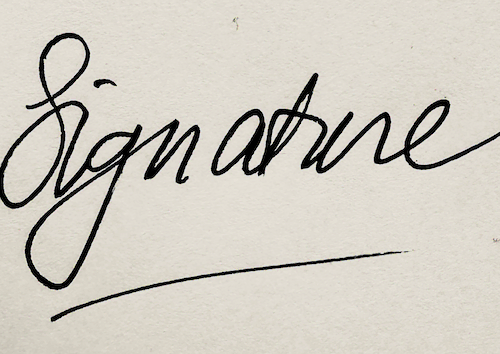

Your scan or photo Transparent — place it anywhere
-
You don't need Photoshop for this. Open the tool, drop your image, done.
-
You don't need an account, and you won't be charged monthly. Pay once if you want the clean file.
-
Your image stays on your device. We never see your file.
Privacy first.
Your file is never uploaded to our servers.
We cannot see what you use the tool for.
Questions
- Do I need to install anything?
- No. It runs entirely in your browser.
- Is it really free?
- Yes. The free version adds a small watermark. Pay once to remove it — no subscription.
- What file types does it accept?
- JPG, PNG, HEIC and WebP. Export as transparent PNG.
- Does it process images from a phone?
- Yes! Choose straight from your photos app. Export as transparent PNG.
- Does it work for other images too?
- Yes! Any image on a white background. Sketches, stamps, drawings, logos.
Runs in your browser. Nothing uploaded.